
safetalk logo
safetalk blog
  • pricing
  • data privacy
  • customer stories

start free trial login
built for everyone

explore our solutions that perfectly complement your unique setup, aligning with your personal & your team's specific needs
for solo practitioners

for teams/organizations

client care
EHR Case Notes Forms & Tasks
scheduling
Booking & Scheduling Telehealth Group Practice Client Portal
communication
Messaging Notifications Multi-language
practice management
Billing & Payments Services & Packages Integrations Reports
explore all features →
start free trial login
built for everyone

explore our solutions that perfectly complement your unique setup, aligning with your personal & your team's specific needs
illustration of a person carrying an ice cream

for solo practitioners

illustration of two people

for teams/organizations

client care
EHR Case Notes Forms & Tasks
scheduling & access
Booking & Scheduling Telehealth Group Practice Client Portal
communication & engagement
Messaging Notifications & Reminders Multi-language
practice management
Billing & Payments Services & Packages Integrations Reports
explore all features

Booking & Scheduling

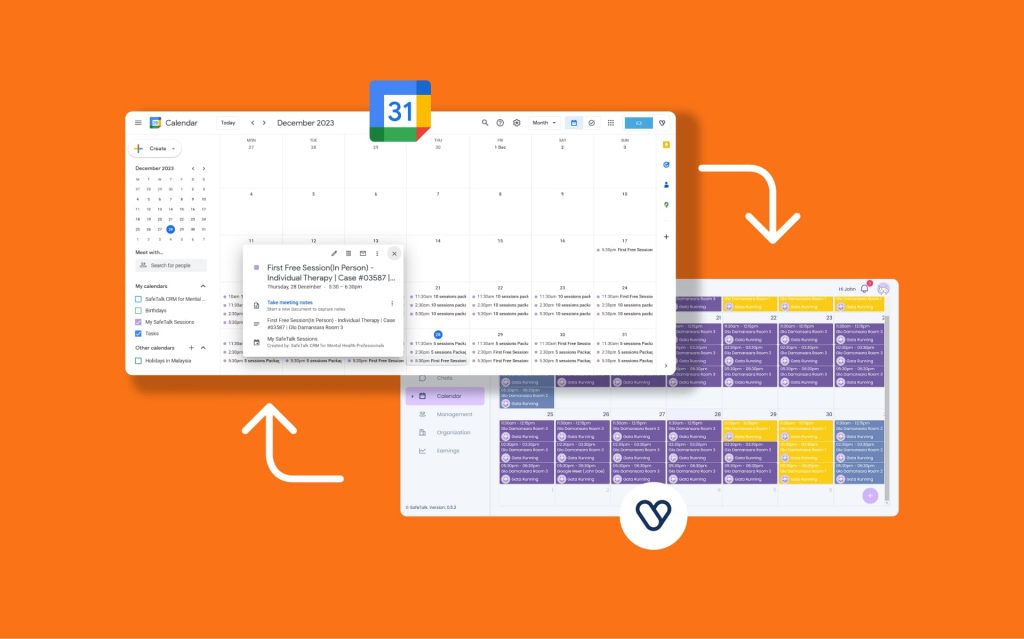
  • Troubleshooting Google Calendar Sync – Common Issues

    Troubleshooting Google Calendar Sync – Common Issues

    Easy troubleshooting steps for Google Calendar Sync Setup

  • How to Create a Session/Appointment on SafeTalk

    How to Create a Session/Appointment on SafeTalk

    Discover ways to create a session/appointment on SafeTalk using calendar or quick create

  • How to Create Repeat/Recurring Sessions on SafeTalk

    How to Create Repeat/Recurring Sessions on SafeTalk

    Create recurring sessions in seconds and save time by scheduling multiple future appointments at once.

  • How to Stop Bookings for New Clients While Keeping Your Existing Clients on Track

    How to Stop Bookings for New Clients While Keeping Your Existing Clients on Track

    Learn how to pause new client intakes without affecting your existing clients

  • How to Require a Contact Number During Client Bookings

    How to Require a Contact Number During Client Bookings

    Require a contact number during bookings to improve communication and reduce missed sessions.

  • How to Block your Booking Schedule on SafeTalk with “Breaks”

    How to Block your Booking Schedule on SafeTalk with “Breaks”

    Learn how to block your schedule in SafeTalk to keep your bookings up-to-date

  • How to Integrate Your SafeTalk’s Booking Widget Into Your Website

    How to Integrate Your SafeTalk’s Booking Widget Into Your Website

    Make it easier for clients to book by adding your SafeTalk booking widget to any website

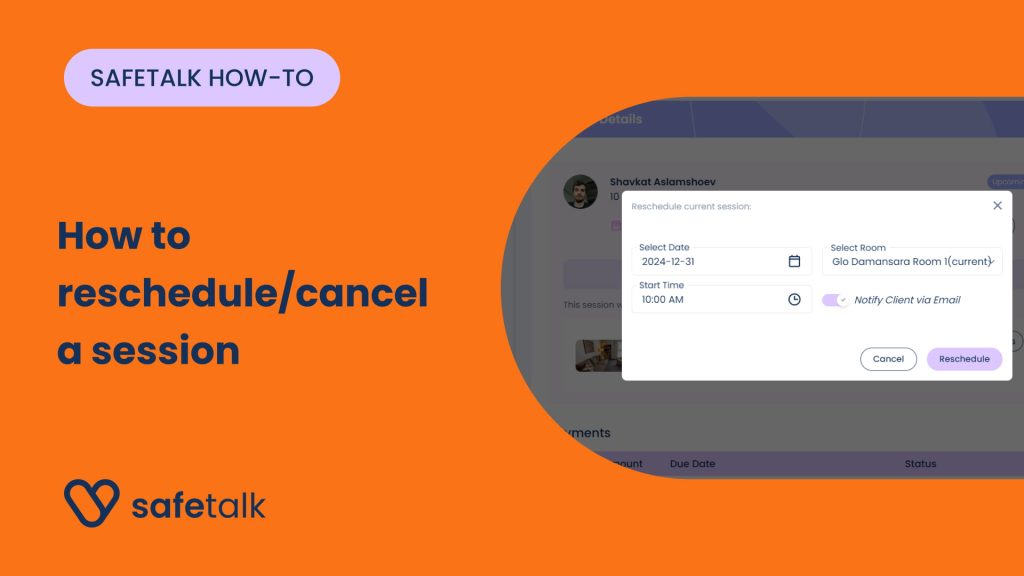
  • How to reschedule/cancel a session with a Client on SafeTalk

    How to reschedule/cancel a session with a Client on SafeTalk

    Learn how you can cancel an upcoming session with your Client(s) or reschedule it to a different date when using SafeTalk!

  • How to setup a new Session with a Client on SafeTalk

    How to setup a new Session with a Client on SafeTalk

    Let’s learn how you can easily setup a session with your Client(s) using SafeTalk

  • 1
  • 2
  • Next
safetalk_logo

Digitizing Mental health the right way!

#mentalhealth

Resources

  • Resources for Therapists
  • Resources For Clients
  • Podcast
  • Blog
  • FAQ
  • Changelog

Compare SafeTalk

  • SafeTalk vs Picktime
  • SafeTalk vs Acuity Scheduling

Pages

  • SafeTalk For Individuals
  • SafeTalk for Teams
  • SafeTalk For Clients
  • Pricing
  • About us
  • Contact Us
  • #LetsTalkAboutIt

Use Cases

  • Easy Appointment Scheduling for Therapists
  • EHR Software for Therapists & Therapy Centers
  • Telehealth Platform for Therapists
  • Group Therapy Made Easy
  • Secure Therapy Documentation

© 2026 SafeTalk (Compose & Compile Sdn Bhd - 1348515-V)

  • Data Privacy
  • Terms & Conditions
  • Privacy Policy