
Troubleshooting Login Issues in SafeTalk

Having trouble logging in to your SafeTalk account? Try the troubleshooting steps below before contacting support.
1. Check Your Email and Password
Make sure you are using the email address associated with your SafeTalk account and that your password is entered correctly.
Check that:
- Your email address is spelled correctly.
- Caps Lock is not enabled.
- There are no extra spaces in your email or password.
- You are using your current SafeTalk password.
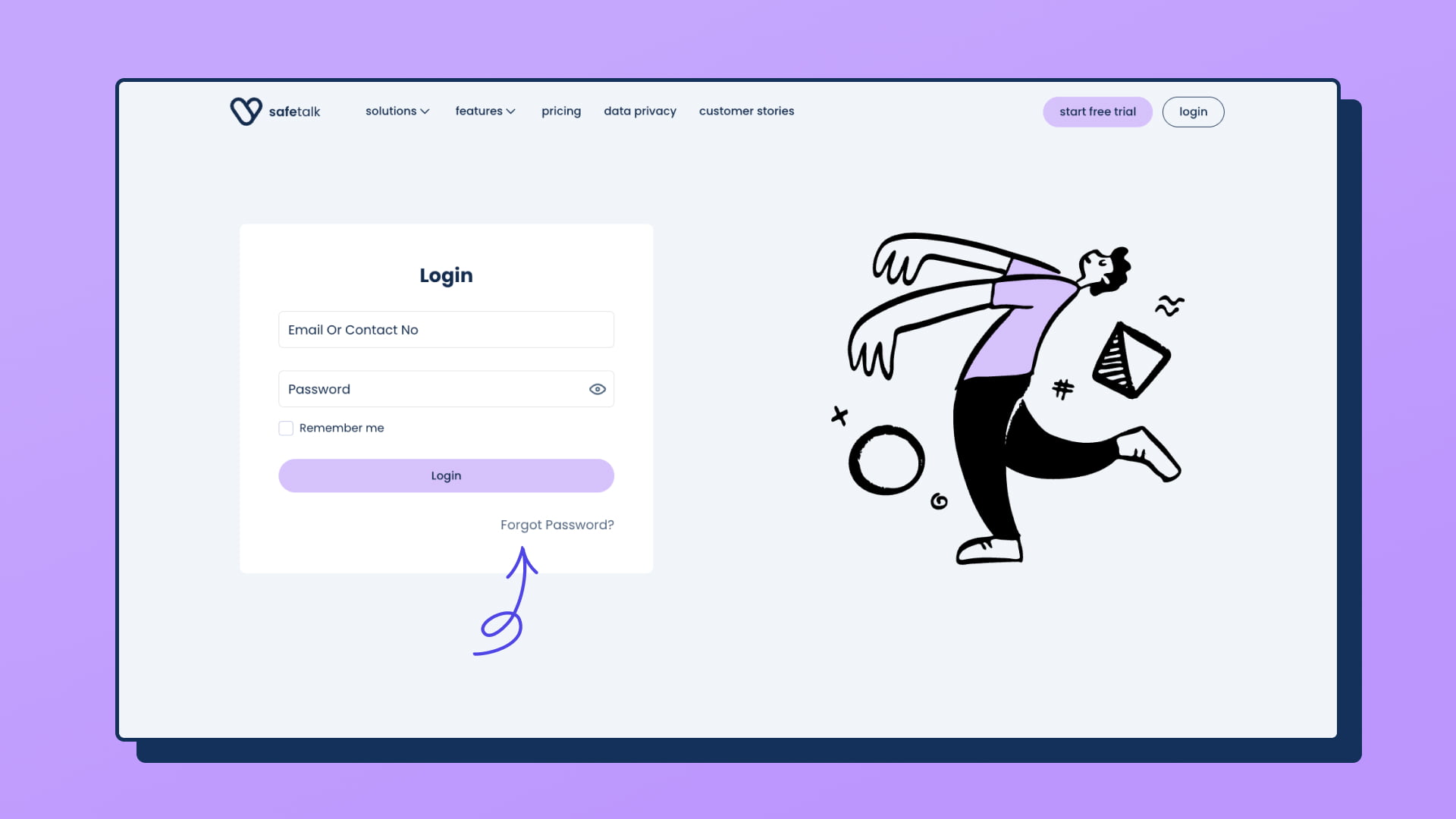
If you have forgotten your password, you can reset it using the Forgot Password? option on the login page.
2. Reset Your Password
If you cannot remember your password, reset it from the SafeTalk login page.
- Go to the SafeTalk login page.
- Click Forgot Password?
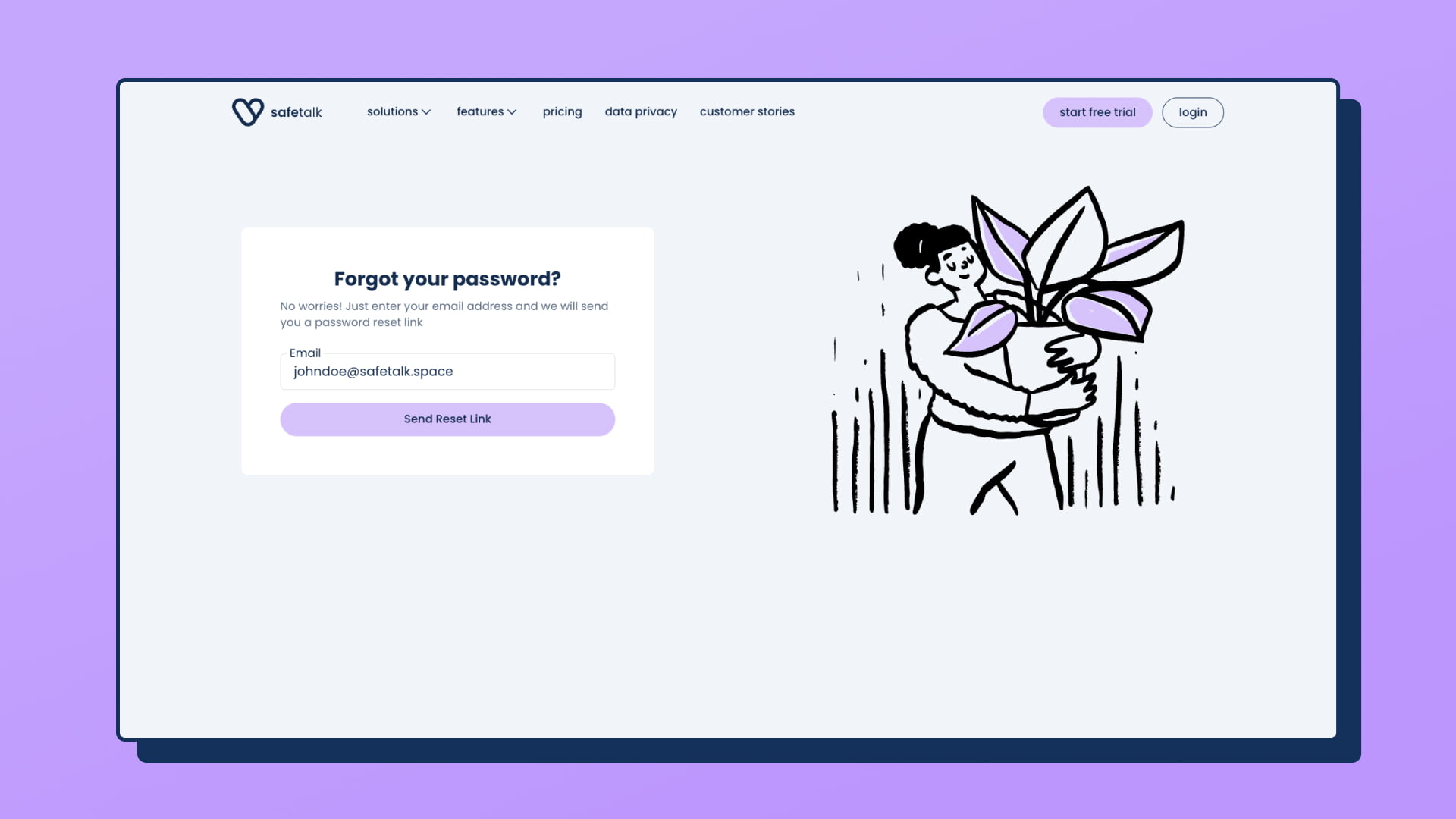
- Enter the email address associated with your SafeTalk account.
- Click Send Reset Link.
- Check your email for the password reset message.
- Click Reset Your Password in the email.
- Enter and confirm your new password.
- Click Save New Password.
You will be redirected to the login page. Use your email address and new password to log in.
3. Didn’t Receive the Reset Email?
If you requested a password reset but haven’t received the email:
- Check your Spam, Junk, or Promotions folders.
- Make sure you entered the correct email address.
- Wait a few minutes and try requesting another reset link.
If your email address is not associated with a SafeTalk account, a password reset email will not be sent.
4. Your Password Reset Link Isn’t Working
If the reset link does not work, request a new password reset link from the login page.
If you have requested multiple reset links, make sure you are using the latest email.
5. Forgot or Lost Access to Your 2FA Code?
If you have forgotten your 2FA code, lost access to your authenticator app, or are unable to complete two-factor authentication, contact SafeTalk support for assistance.
6. Still Can’t Log In?
If you have tried the steps above and still cannot access your SafeTalk account, contact SafeTalk support.
When contacting support, include:
- The email address associated with your SafeTalk account.
- A description of what happens when you try to log in.
- Any error message you see.
- A screenshot of the issue, if possible.
This information will help us investigate the issue more quickly.