
How to Link and Switch Between Your SafeTalk Accounts

If you use more than one SafeTalk account, you can link your accounts together and easily switch between them without signing in and out each time.
For example, you may have a personal SafeTalk account as well as an account that you use as part of an organization. With Multi-Account & Devices, you can connect both accounts and manage them from one place.
How to Link Your Accounts
- Open your profile
Click your profile picture in the top-right corner of SafeTalk. - Select Edit Profile
From the profile menu, select Edit Profile. - Open Accounts & Devices
On the page that opens, select Accounts & Devices from the menu at the top. - Connect another account
From the Accounts & Devices page, follow the instructions to connect another SafeTalk account.
Once your accounts are linked, you can easily switch between them from your profile menu.
How to Switch Between Your Accounts
Once your accounts are connected:
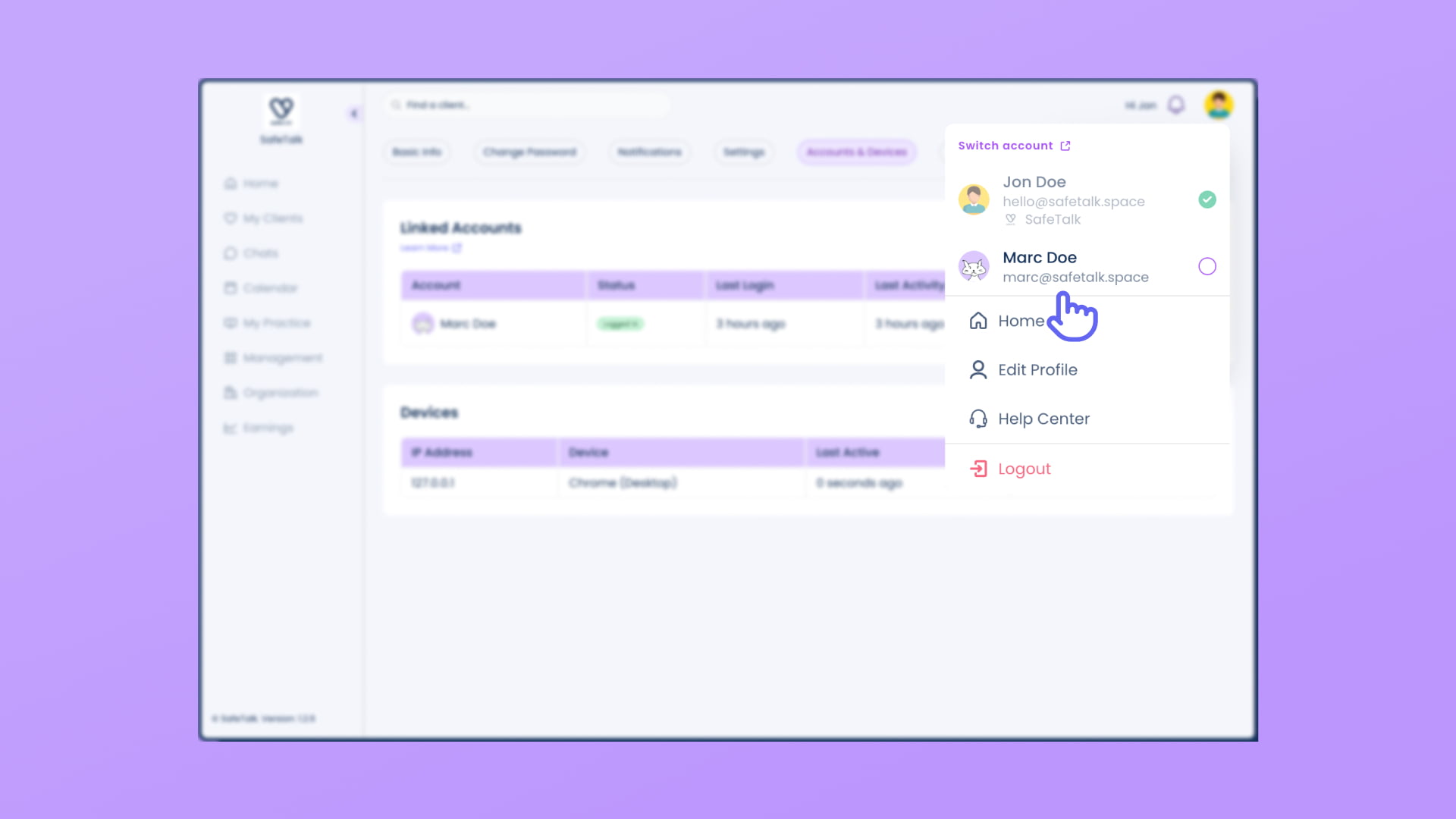
- Click your profile picture in the top-right corner.
- Select the SafeTalk account you want to use.
You can switch between your linked accounts without needing to sign out and sign back in each time.
Security note: For your security, you will be asked to sign in again every 30 days. You only need to complete this once, and you can continue switching between your linked accounts normally afterward.
Manage Your Connected Devices
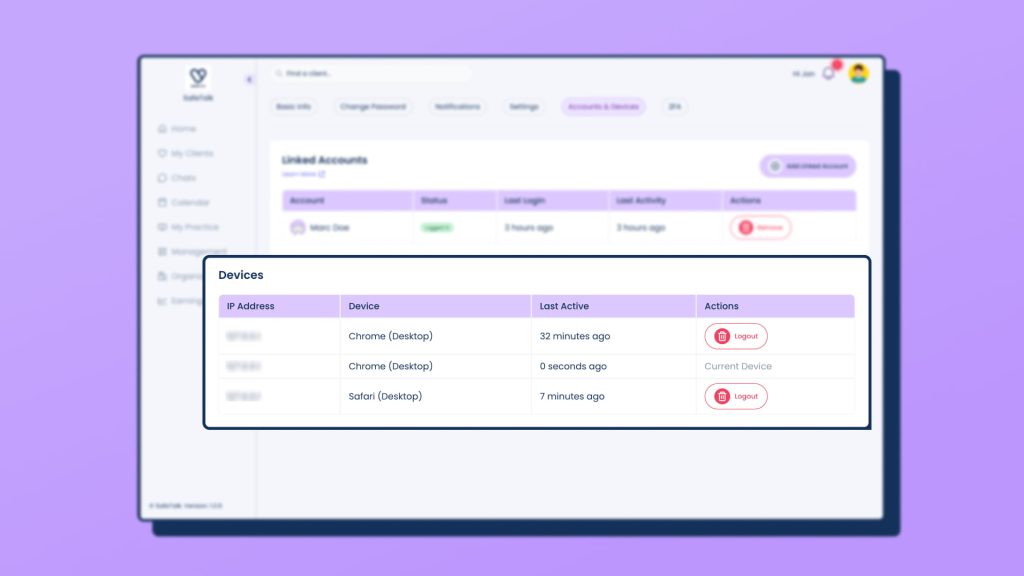
The Accounts & Devices page also lets you see the devices and browsers that have been used to sign in to your SafeTalk account.
This includes devices such as your computer, tablet, or phone, as well as the web browsers you have used to access SafeTalk.
You can access this page anytime by going to:
Profile Picture → Edit Profile → Accounts & Devices
From there, you can review your connected devices and manage them as needed.
Frequently Asked Questions
Can I link my personal and organization accounts?
Yes. You can link accounts that you use separately, such as your individual account and an account connected to an organization.
Can I link a client account to my therapist account?
Yes. If you use SafeTalk as both a therapist and a client, you can link your client account to your therapist account and switch between them from your profile menu.
Do I need to sign in again when switching accounts?
Not every time. Once your accounts are linked, you can switch between them directly from your profile menu.
For security, SafeTalk will ask you to sign in again every 30 days.
What is a connected device?
A connected device is a device or browser that you have used to sign in to SafeTalk. This can include your computer, phone, tablet, or different web browsers.
Does linking my accounts give me access to data from the other account?
No. Linking your accounts only makes it easier to switch between them. Your accounts and their data remain separate.
Being able to switch between linked accounts does not give one account access to the other account’s clients, notes, messages, appointments, or other information. You can only access the data that the account you are currently using is authorized to access.