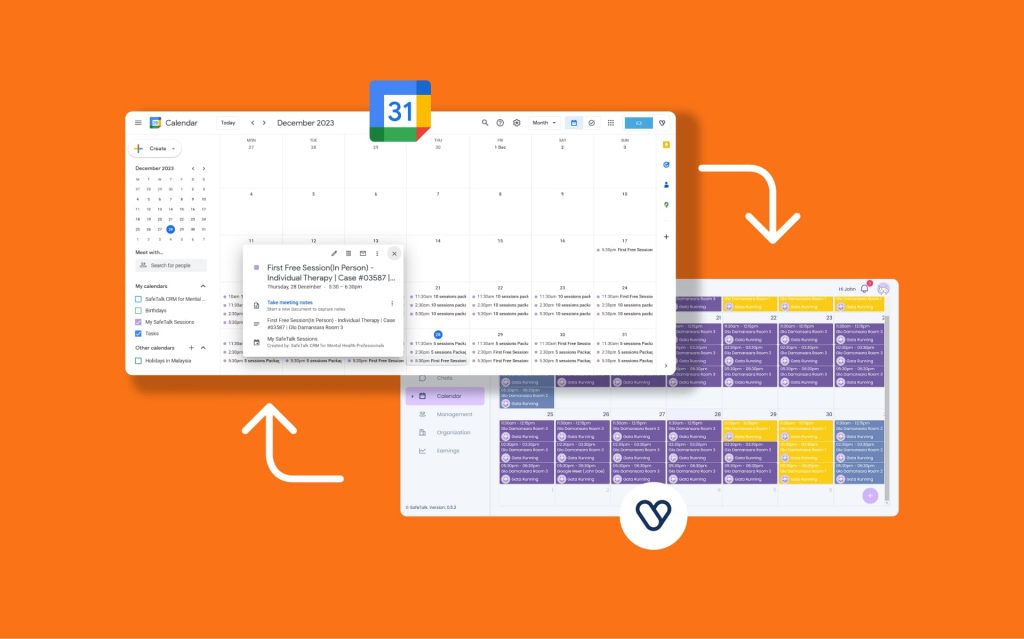

Scheduling regular appointments can be tedious & time-consuming. SafeTalk makes your life easier with repeat sessions, where you can set up a series of appointments in just a few clicks. Instead of creating each session individually, you fill in the details once, choose how often they should repeat, and let the system handle the rest.
Creating a Repeating Session from the Calendar
- From the sidebar, go to My Calendar
- Click on any date or click on any available slot visible in the calendar
- Fill in the session details (client, service, time, location)
- Enable the Repeating Session toggle
- A new section will appear where you can:
- Select a repeat mode: daily, weekly, bi-weekly, or monthly
- Limit sessions to current package – a checkbox that controls how far repeating sessions are created:
- If checked: Repeating sessions will only be created for the current package. For example, if the package has 6 sessions, only 6 sessions will be created.
- If unchecked: You can select a custom end date for the repeating sessions, and new service packages will be automatically assigned if needed.
Using Quick Create
- Click the ➕ Plus button at the bottom right
- Select Quick Create
- By default, this will open the New Session tab
- Fill in the session details
- Enable the Repeating Session toggle
- Choose the repeat mode and either check the Limit sessions to current package or select a custom end date.
Important Things to Consider
Case #1: Service Package Due Date Type
This case is only applicable, if you are leave the Limit sessions to current package unchecked & create repeat sessions until a fixed date (& does not apply to creating session for Current Package only)
Before creating repeating sessions, make sure your service payment settings are configured correctly. Incorrect settings may cause future sessions to be cancelled automatically.
- Go to Management
- Select Services
- Click Edit Service or add a new service
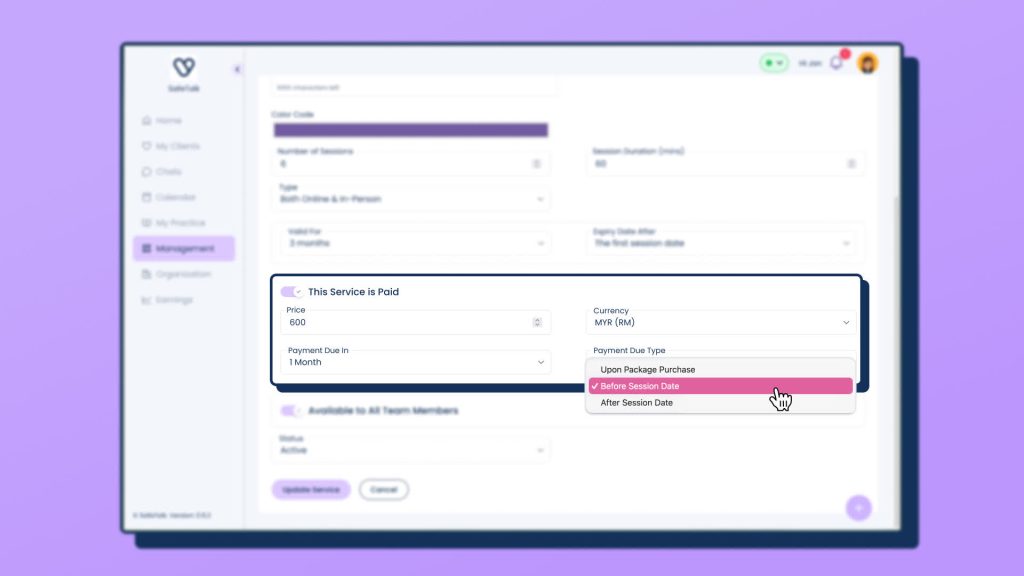
- Scroll down to This service is paid
You will see the following options:
- Payment due in
- Payment due type
⚠️ Important: Do not select Upon package purchase
This option can cancel all upcoming sessions that may be scheduled weeks or months in advance.
Recommended options:
- Before Session Date
- After Session Date
Conclusion
Repeating sessions are currently in beta. If you would like this feature enabled for your account, please reach out to our team to request access.